Size a form exactly
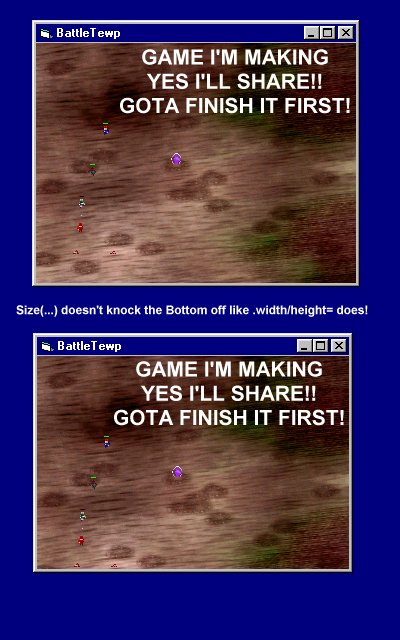
Sizes a form to an exact size. Ever tried to size a form to say. 320 by 240 like this
Me.Width = 320 * Screen.TwipsPerPixelX
Me.Height = 240 * Screen.TwipsPerPixelY
But you want the border and title bar at the same time. And it doesn't look right at all.
Heres your answer!
(I dunno if anyone has done this before if they have. cool.) I made this years ago, but didn't know of vbcoders then.
Assumes
'Either use
'I.E.
'Call Size(Me, 320, 240)
'or
'Size Me, 320, 240
'Same result.
'Size [Form], [Width], [Height]
Rate Size a form exactly
 (3(3 Vote))
(3(3 Vote))
Active Server Pages
Coding Standards
Complete Applications
Custom Controls
Data Structures
Databases / ADO
DDE
Debugging & Errors
DirectX
Encryption
Files / I/O
Games
Graphics
Internet / HTML
Jokes / Humor
Libraries
Math / Dates
Office / VBA
Miscellaneous
OOP
OLE / COM / ActiveX
Registry
Sound / MP3
String Manipulation
VB Enhancements
Windows API
Windows CE
System Services