Simplify Microsoft Word Created HTML Code
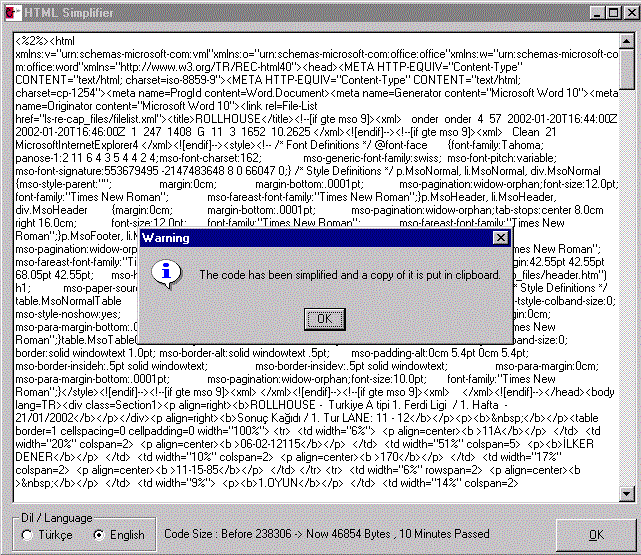
This code is written for one of our clients who use our web based remote document update mechanism. They needed to get large tables from their Word documents, convert them to HTML and publish them via web. But Word puts a lot of extra tags and variables to the final code even they selected to save the document as Web (filtered). This code helps to remove style and class variables and some tags from a HTML code and outputs the simplifed HTML code.
Inputs
Complex HTML code created by Microsoft Word.
Assumes
This code is a simple and basic presentation of text manipulations, screen handling and multi-language support. It supports Turkish and English languages and uses Turkish as default language.
Returns
Simlified HTML code.
Side Effects
After simplifying the HTML code, the application automatically puts a copy of the code into clipboard. This overwrites any existing data in clipboard.
 (7(7 Vote))