Record Library
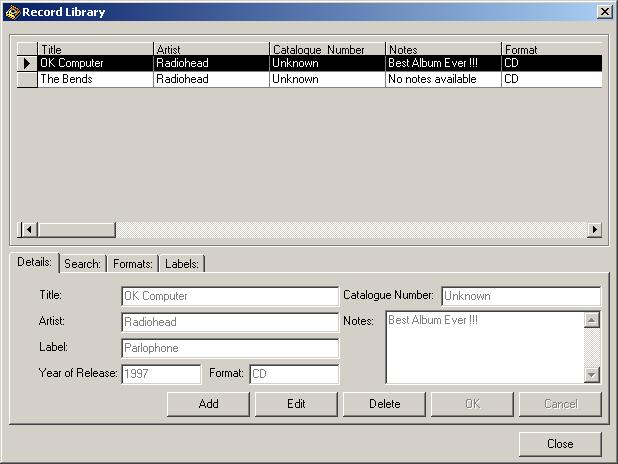
I wrote this app because I was looking for a simple way to store my Records and CD's in a database, so here it is. Hope you like it! Any comments are welcome off course.
NOTE: Before you start using it, make sure you have the ODBC settings right, so do either one of these two things:
first,you can make a manual ODBC connection (SYSTEM DSN, Microsoft Access driver, etc, and in Select Database --> Browse to the database then select it.)
Second, in modDeclarations, replace this line of code
"Public Const DB_RecordLibraryConnectionString As String = "DSN=RecordLibrary;UID=;PWD=""
with this one:
Public Const DB_RecordLibraryConnectionString As String = "Provider=Microsoft.Jet.OLEDB.4.0;Data Source=PATH TO YOUR DATABASE\RecordLibrary.mdb;Persist Security Info=False"
Now it should work fine!
Enjoy the Record Library and feel free to drop me a line!
 (3(3 Vote))