PNG View
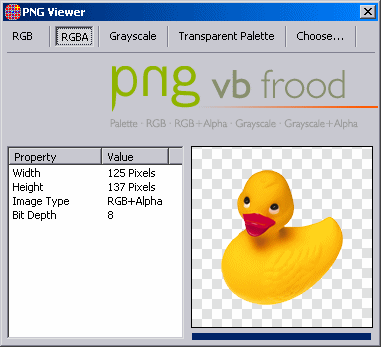
This code allows you to display PNG images within your programs with full 32 bit color (that is, 24 bit color with 8 bit alpha transparency). This will allow you to use "anti-aliased" images in your programs, making your graphics blend in to the interface perfectly, no matter what color the user has chosen for their interface. Code by Thomas Kabir (www.VBFrood.de). Posted here with permission. Requires ZLib for Windows and you must compile and register and re-reference the ActiveX DLL before attempting to use this. I've tried to include a compiled OCX and DLL, as well as a workling zlib.dll, but VBC won't let me. If VB won't compile correctly and\or you need any of them, email me.
Rate PNG View
 (4(4 Vote))
(4(4 Vote))
Download PNG View
Active Server Pages
Coding Standards
Complete Applications
Custom Controls
Data Structures
Databases / ADO
DDE
Debugging & Errors
DirectX
Encryption
Files / I/O
Games
Graphics
Internet / HTML
Jokes / Humor
Libraries
Math / Dates
Office / VBA
Miscellaneous
OOP
OLE / COM / ActiveX
Registry
Sound / MP3
String Manipulation
VB Enhancements
Windows API
Windows CE
System Services