Move controls in a form
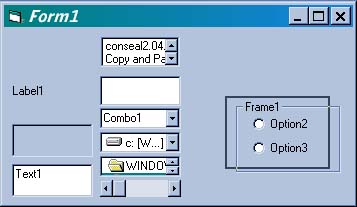
Use this code to drag and drop (almost) any control anywhere on a form.
Assumes
Add some controls and a checkBox Named chkOnOff
API DeclarationsOption Explicit
Rate Move controls in a form
 (3(3 Vote))
(3(3 Vote))
Active Server Pages
Coding Standards
Complete Applications
Custom Controls
Data Structures
Databases / ADO
DDE
Debugging & Errors
DirectX
Encryption
Files / I/O
Games
Graphics
Internet / HTML
Jokes / Humor
Libraries
Math / Dates
Office / VBA
Miscellaneous
OOP
OLE / COM / ActiveX
Registry
Sound / MP3
String Manipulation
VB Enhancements
Windows API
Windows CE
System Services