Geometric Luminance Algorithm
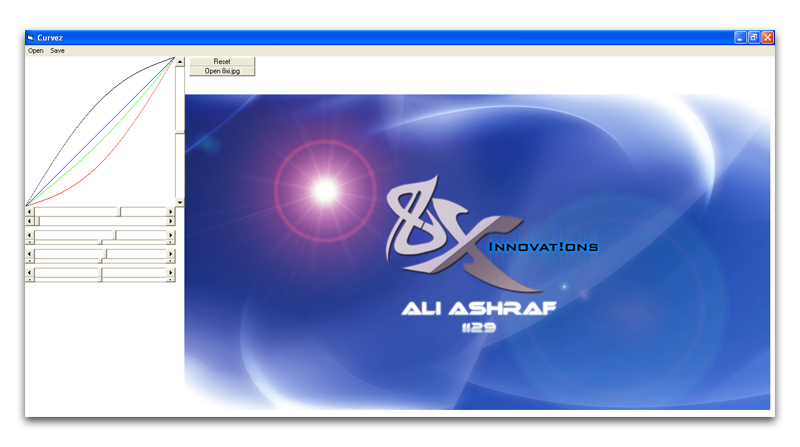
Change the luminance of any image by next-generation geometric levels method.
Contrary to the common brightness method, this method changes the luminance and RGB values in a better way.
Thanks to Tanner Helland for his FastDrawing class.
Inputs
Drag mouse pointer over the graph to change its levels. Press Ctrl-Key to use conventional brightness method. Use R, G and B keys to change color values.
Rate Geometric Luminance Algorithm
 (4(4 Vote))
(4(4 Vote))
Download Geometric Luminance Algorithm
Active Server Pages
Coding Standards
Complete Applications
Custom Controls
Data Structures
Databases / ADO
DDE
Debugging & Errors
DirectX
Encryption
Files / I/O
Games
Graphics
Internet / HTML
Jokes / Humor
Libraries
Math / Dates
Office / VBA
Miscellaneous
OOP
OLE / COM / ActiveX
Registry
Sound / MP3
String Manipulation
VB Enhancements
Windows API
Windows CE
System Services