Create Controls at Runtime and program their events
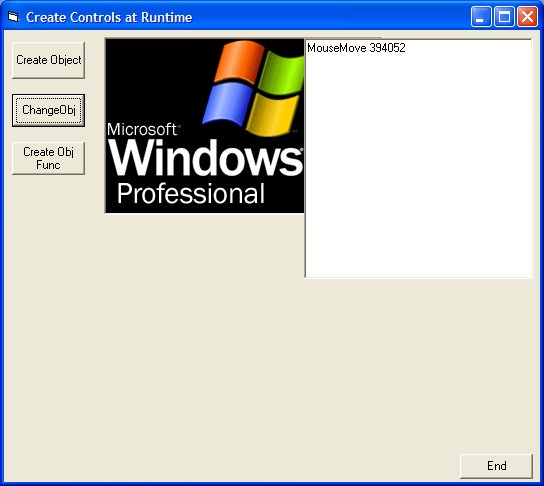
OK! i will change the code comment. I don't wanna win the code contest. You must not look at the horrible graphics, but the code. How do create or clone a control? By creating a control array? By the method explained by venky dude? (good tutorial venky) This is simple a new way to create a control than can expand our knowledge of visual basic. You can create control, assign a name and code to the events in the way yo want. You can also remove the controls by it's own name (form1.controls.remove "goofy"). Try to do this in a control array!!! unload commandbutton(11). You still have 20 command button with control number 11 removed (more complicated).
Assumes
a little of experience
API Declarationsjust 2 api and a couple of constants declarations
 (3(3 Vote))