CaptureScreen2AVI-GIF
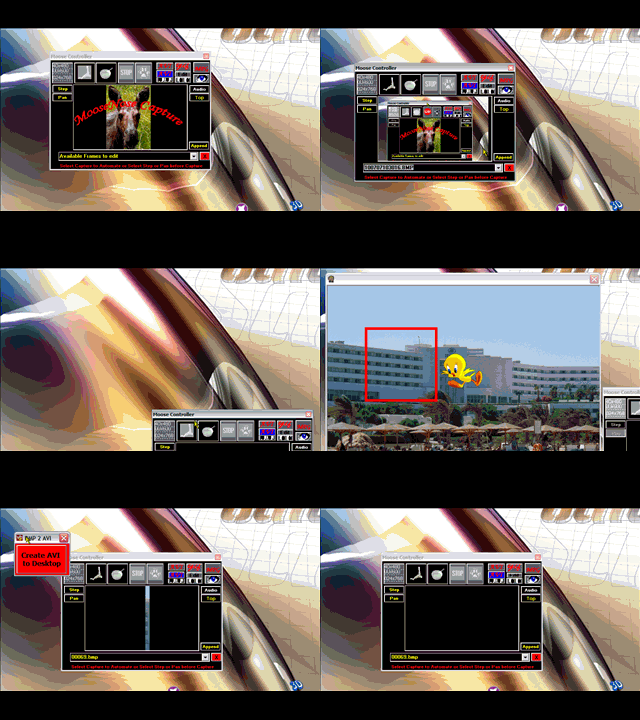
Update: Reference error fixed Updates: (03-28-08) Fixed some bugs and minor stuff (3-24-08): The color output has been corrected. Compatibility with Premiere Minus AVI txtCodeId=68993 has been added. MPG options removed. Vb-accelerator removed. Some bugs may persist.
Update (7-10-07) See the new animation. I've added panning which is a feature often seen in videos when a still image is panned from side to side. You can now Step Capture. This will save the selected screen area to an AVI and to an animated GIF. *** I need help adjusting the frame rate on the Step GIF's although Pause and Re-Start are good alternatives. Some of the functionality was borrowed from: txtCodeId=46847. Also, txtCodeId=50310 and Ray Mercer [https://www.shrinkwrapvb.com] for the BMP2AVI code. Make sure that you compile the included zip file to AVItoGIF.exe and put this in the app.path. Here's the limited documentation: [https://moosenose.com/Screen2AVI-GIF.htm] The flickering has been corrected and the cursor is captured again 7-14-05
 (21(21 Vote))