A-Storm eX Web Browser-A
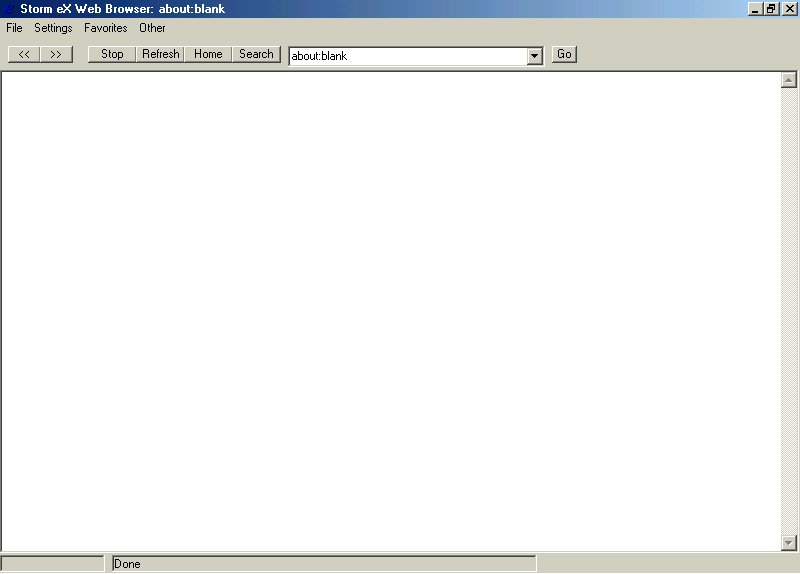
This is a small web browser that uses Internet Explorer's Web Control. This browser also some cool features on it. It will store your favorite web sites in a list box, it has and options screen that allow you to customize it for the start-up page, and search page. It also features a text pad where you can jot down notes which are saved into the system registry. You can also save a page, print, print preview, print setup, and has a page properties command. There is also a working status bar and a cool progress bar.
This shows pretty much the basics of using the Internet Explorer control. Please leave comments and vote for my code if you like it.
(please note: There are a few minor bugs I have yet to work out. Nothing that will cause an error of any sort. If you do find an error in the code please contact me and I will try to fix it.)
Assumes
Users should use the most recent version of Internet Explorer (5.0). Sorry, I am working on creating my own web browser control so people without IE can still use it.
 (5(5 Vote))